Update, September 16, 2026. This article was revised after Zoho released native workflow rule triggers on subform row actions. Sections on workflow limitations, row date reminders, and the purchase order playbook have been updated. Subform edition caps, row caps, field caps, and reporting limitations remain accurate.
The decision every Zoho CRM admin faces
Every Zoho CRM implementation reaches a moment where an admin has to decide what a subform is for. The natural answer is that a subform holds line items on a parent record. Product line items on Quotes or Sales Orders are the textbook case, where each row captures a product, quantity, discount, and total tied to the parent transaction.
That answer holds until the child data starts asking for things a subform cannot give. The moment a single row needs its own approval, its own reminder, or its own line in a clean report, the shortcut becomes a cost center.
The design pressure shows up across sectors and workflow shapes. Field service teams hit it on visit logs that need per visit reporting. Insurance and lending teams hit it on document checklists that need per item status. B2B commerce teams hit it on the purchase order to sales order handoff. That last case exposes every subform constraint at once, and gets full treatment further down.
Where subforms earn their place
A subform is the right container when the child rows meet four conditions. They stay under about 30 rows in practice. Zoho does not document 30 as a hard limit. It is a practitioner ceiling that shows up in production builds, past which subform performance and reporting quality both start to degrade. They carry no independent status, owner, or approval. They do not need external identifiers. They live and die with the parent record.
A warranty checklist with 10 items is the textbook case. The rows stay bounded, none of them needs its own owner or status, and reporting stays at the parent record level. Anything past that shape starts pushing against structural limits that Zoho documents across its subform documentation and API reference.
Gotcha 1. The subform ceiling arrives sooner than teams plan for
Zoho’s edition comparison page shows subforms available starting at Enterprise, at 2 per module, rising to 5 per module on Ultimate. Zoho One inherits the Enterprise cap of 2. Zoho’s own subform documentation still references 1 subform for Professional, a live inconsistency between two Zoho surfaces worth knowing before promising a Professional edition client this feature. For custom subforms specifically, Zoho confirms Enterprise edition and above. System defined subforms in inventory modules (Quotes, Sales Orders, Purchase Orders, Invoices) sit outside the custom subform count and remain available in those inventory modules. Zoho’s February 2026 community moderation update on the 2 subform cap states that raising the limit remains blocked by technical and performance challenges. Zoho has not published a clear release date for higher limits.
The design consequence lands on the second or third iteration of any module that models real B2B commerce. A purchase order to sales order build on a custom Orders module often needs three logical child tables for line items, taxes and duties, and delivery schedules. Enterprise buyers use both available custom subform slots on the first pass and have nowhere to put the third table.
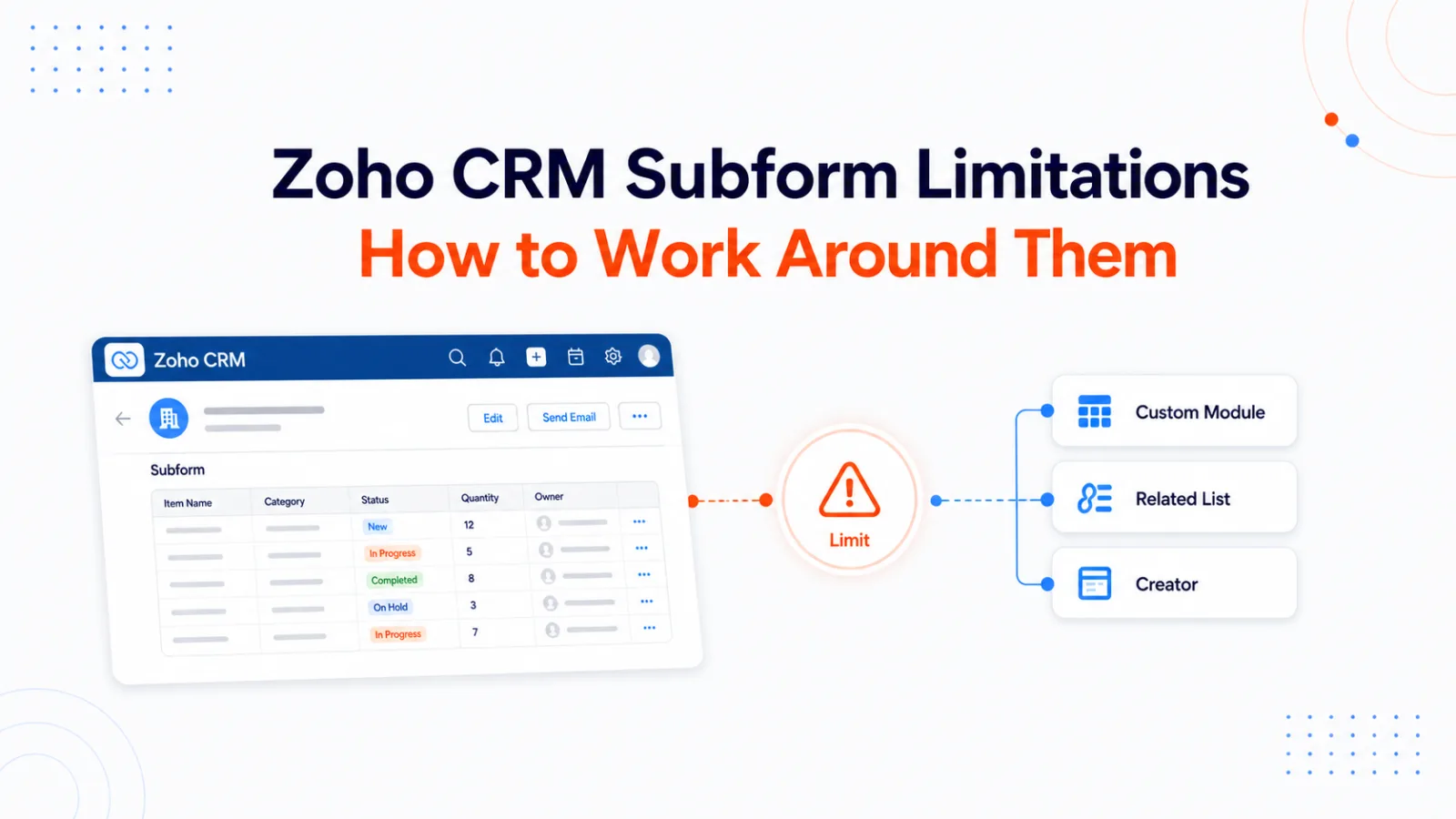
If the child data has an independent lifecycle, external identifiers, or its own approval flow, start with a custom module and related list. Reserve subforms for line items that live and die with the parent.
Gotcha 2. Blueprint and reporting still treat subform rows as second class, even after the 2026 workflow rule update
Native CRM Workflow Rules now support triggers on subform row actions after a 2026 Zoho release. Row add, row modify, row delete, and date field changes on rows can fire workflow rules directly.
The Create New Rule dialog now lists subforms as trigger sources alongside standard modules. Source: Zoho Community. Trigger workflow rules from subform row actions. help.zoho.com.
Conditions can combine subform level and parent module logic in a single rule.
A workflow rule with a subform level condition (Discount over 50 percent) combined with a parent module condition (Deals). Source: Zoho Community. Trigger workflow rules from subform row actions. help.zoho.com.
Actions include field updates on the row, the parent record, and lookup modules, plus email notifications, SMS, webhooks, and functions. The release is live across all editions and data centers.
For the surfaces where subform fields are still excluded, Blueprint validation, layout rules, and validation rules, a subform’s aggregate fields do show up. An admin who needs Blueprint validation to fire when a subform hits a numeric threshold can express that threshold as an aggregate on the parent record. Workflow rules no longer need this workaround for row events after the 2026 release.
Client Script still handles the browser side layer. Subform events include onCellChange, onRowAdd, onRowDelete, BeforeRowDelete, and BeforeRowUpdate (Detail pages only). These run on Create, Edit, Clone, and Detail pages, and they solve inline validation, dynamic filtering, and preventing bad row edits before save. After the 2026 workflow rule update, Client Script sits alongside native row triggers rather than substituting for them. Client Script fires in the browser before save. Workflow rules fire on the server after save. Deluge functions still fill gaps where a row event needs custom logic that native rules do not express, such as multi row batch checks or conditional lookup writes.
Reporting adds its own operating cost. Zoho supports subform reports as a feature. The practical shape Clixlogix sees in client engagements is different. Parent field values repeat across every row in a subform report, aggregate values confuse users when they sit beside row data, and finance teams end up exporting to spreadsheets to get clean per line item views. That cleanup work becomes a recurring monthly cost.
Custom functions add a third rough edge in production. When a Deluge function writes to a subform, the record page does not repaint on its own. Users have to refresh manually to see the new state. Any UX that assumes instant feedback breaks.
The three other limits worth planning for
Row cap sits at 100 per parent record on standard subforms and 200 total on inventory modules across all subforms combined. Tenders, price sheets, service schedules, and audit sections push against that ceiling regularly on Clixlogix implementations.
Field cap sits at 25 per subform layout, with a further cap of 20 fields for decimal, percentage, and currency data types. Cost fields, tax fields, status fields, dates, remarks, and approvals eat the budget fast.
Webforms do not support subform fields. Zoho Forms handles the gap for most public intake scenarios and can update existing CRM subform data using prefill with Append or Overwrite behavior. Zoho Forms is not broken as a bridge. The constraint sits on native CRM Webforms, and the workaround for most teams is Zoho Forms with the right update mode selected.
The purchase order to sales order playbook
The reference workflow that exposes every subform constraint at once is a purchase order arriving from a customer, converting into an approved sales order, and generating downstream delivery schedules.
The naive design uses one custom Orders module with three custom subforms for line items, taxes and duties, and delivery schedules. On Enterprise, that already blocks at the 2 custom subform cap. On Ultimate, where the subform count technically fits, reporting on delivery schedule aging, approval on individual line items, and reminders on delivery dates all break against the structural limits above.
The right design depends on approval, ownership, and reporting shape. If approval happens at the parent Order level, ownership stays with the parent, and reporting is fine at the parent level, line items can stay in a subform. Row reminders now work in native workflow rules, so date driven reminders alone no longer force the move. If any line item needs its own approval routing, its own owner, or its own per row report, that line item belongs in a child module.
The higher complexity variant needs a custom Orders module with one subform for line items (contained, stable, no row level approval) plus two related child modules. Delivery Schedules as a full module with its own owner, status, and workflow. Taxes and Duties as either a subform or a related module depending on whether tax lines need independent approval routing.
That structure gives finance clean per delivery reporting from the Delivery Schedules module, keeps approval routing at the parent Order level where a single approver signs off on the whole order, and keeps the parent Orders record fast to load. Native workflow triggered reminders on delivery dates work in either design after the 2026 update, so reminders are no longer the deciding factor. If a client needs row level approval on individual line items, line items also move into a child module. The decision is set by whether approval fires on the order or on the line.
When a subform row carries a date
Row date reminders are now possible without a data model change after the 2026 workflow rule update. A Delivery Schedule subform with a delivery date per row can fire native scheduled workflow rules at 30, 60, and 90 days from the row date directly.
The data model move to a child module still earns its place when the row needs its own owner, its own status, its own approval, or its own per row report. Workflow was one of the reasons to move rows to a child module. It is no longer the deciding one. Teams that still choose the child module path get cleaner per row reporting, ownership at the row level, and native approval routing per row. The mirror function below covers the case where the parent record still needs to show the rows in a display subform.
The Deluge that mirrors a new child record back into the parent’s display subform is straightforward in outline. Read the parent’s current subform list, append a map with the new row’s key values, and write the list back on the parent record. Production versions need error handling on the API call, duplicate row guards, and permission checks. The value of the workaround is the data model move, not the sync function.
Decision framework in one paragraph
Subforms fit compact, stable, informational rows that belong to the parent. Custom modules fit rows that need ownership, status, approvals, or independent reports. Related lists fit child records the user needs beside the parent without expanding the layout. Zoho Creator fits controlled data entry screens with complex validation or field team workflows. Client Script fits inline validation and dynamic behavior inside a subform on the record page. Deluge handles the server side glue once the data model is right. Zoho Analytics handles reporting once the child modules exist.
The design mistake to avoid appears in reverse order. Using Deluge to patch a subform that should have been a child module, then adding Analytics to compensate for reports the subform cannot produce cleanly. That sequence adds cost every quarter and never recovers the original design ground.
Where each option fits.
Option
Row volume
Row ownership
Row status or approval
Row date reminders
Row level reporting
Data entry UX
Subform
Under 30 rows practical, hard cap 100
None, belongs to parent
None, tied to parent state
Supported natively for row add, modify, delete, and date field changes after the 2026 workflow rule update
Parent fields often repeat per row
Compact table inside record
Custom module plus related list
High volume within product and edition limits
Native CRM record owner per row
CRM workflows and Blueprint where supported
Native scheduled workflows
Clean per row reporting
Standard CRM record page
Zoho Creator
High volume within product and edition limits
Modeled through users, permissions, or owner fields
Creator workflows and approvals
Native Creator schedules
Native reports in Creator, cross app via Analytics
Custom form, mobile ready
Deluge only
Whatever the parent design allows
None, script bound
Manual via parent state writes
Scheduled functions with helper fields, rarely needed after the 2026 workflow rule update
Weak, inherits subform reporting limits
Same CRM UI with scripted behavior
What Zoho itself confirms
Buyer facing edition availability comes from Zoho’s feature comparison page, which shows subforms starting at Enterprise. The Professional edition inconsistency surfaces when comparing that page against Zoho’s subform documentation, which still references 1 subform for Professional. The subform documentation confirms the exclusion of subform fields from field updates, layout rules, Blueprint validation, native Webforms, and global search. The 2026 workflow rule update on subform row actions changes the workflow rule surface only. API facing limits, including the 100 row cap per parent record and the 5 aggregate custom fields per subform, come from the subform API reference. The row cap and the September 2024 workflow limitation both came from a Zoho developer community FAQ. The workflow portion has been superseded by the 2026 release. See the community announcement titled Trigger workflow rules from subform row actions at help.zoho.com. The 25 field per layout cap and the 20 field cap for decimal, percentage, and currency data types come from a Zoho subform field limit announcement.
Everything else, the reporting cleanup work, the manual refresh after function writes, the 30 row practical ceiling, and the operating cost of retrofitting a subform into a child module late in a project, comes from Clixlogix client engagements.
Designing a Zoho build and unsure where the line sits
Every new Zoho build at Clixlogix starts with one question about each candidate subform. What will each row need to do 6 months from now.
If the row only supports the parent record, stays under about 30 rows, and carries no independent process, a subform earns its place. If the row needs its own process, owner, status, reminder, approval, report, or integration path, the row moves to a custom module before implementation begins.
Making that call at design time costs an hour. Making it after production data has accumulated costs a migration, and the migration costs more than the original build. Late migrations do not recover their cost on the timeline of a single fiscal year.
Akhilesh leads architecture on projects where customer communication, CRM logic, and AI-driven insights converge. He specializes in agentic AI workflows and middleware orchestration, bringing “less guesswork, more signal” mindset to each project, ensuring every integration is fast, scalable, and deeply aligned with how modern teams operate.